TuplorThe PostgreSQL GUIthat stays out of your way.
Explore every tuple. A fast, beautiful and free PostgreSQL GUI for macOS.
Intel, Windows and Linux builds are coming later.Run from source today
- PostgreSQL 12–18
- MIT
- macOS · Apple Silicon
Real screenshots, real database
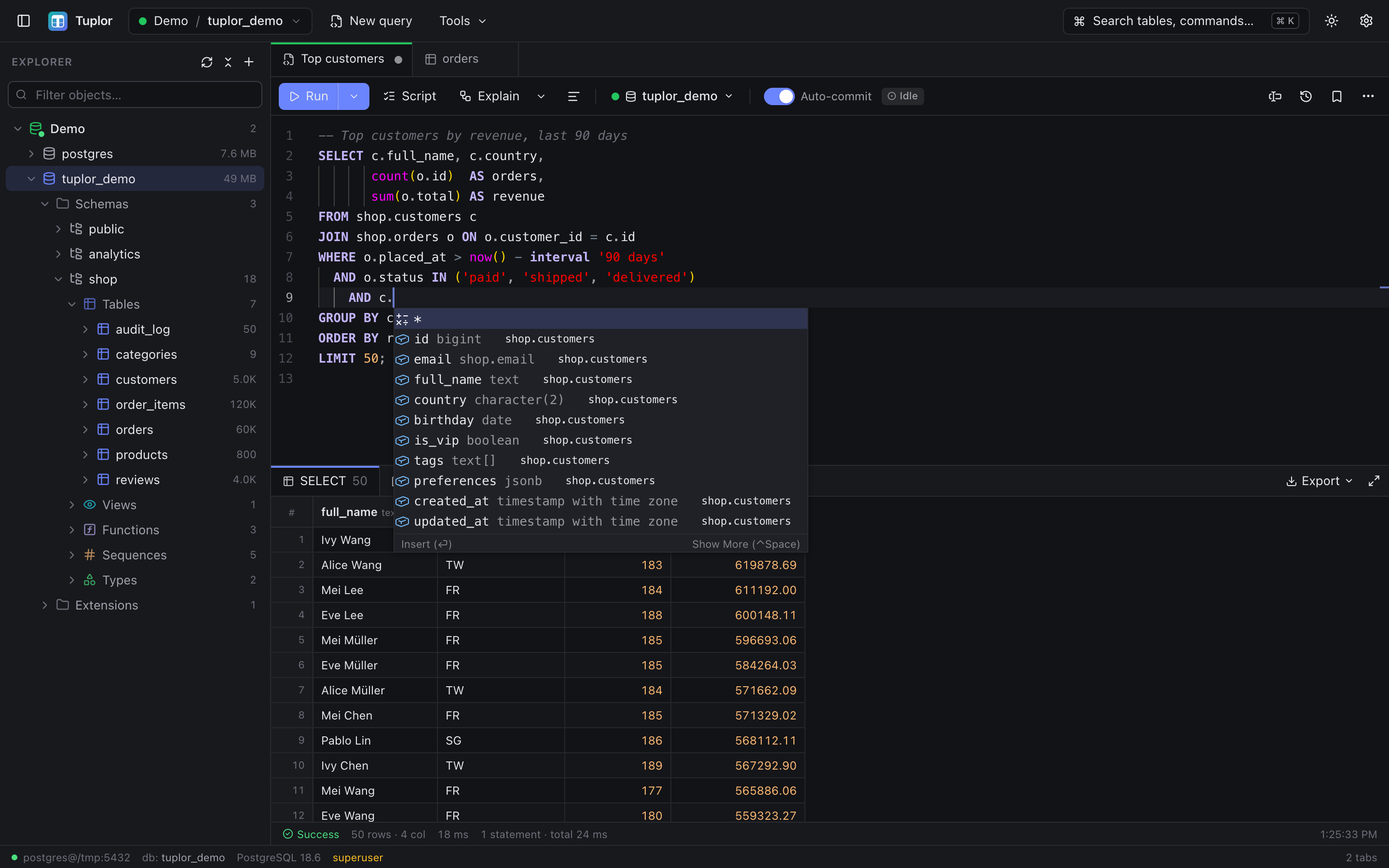
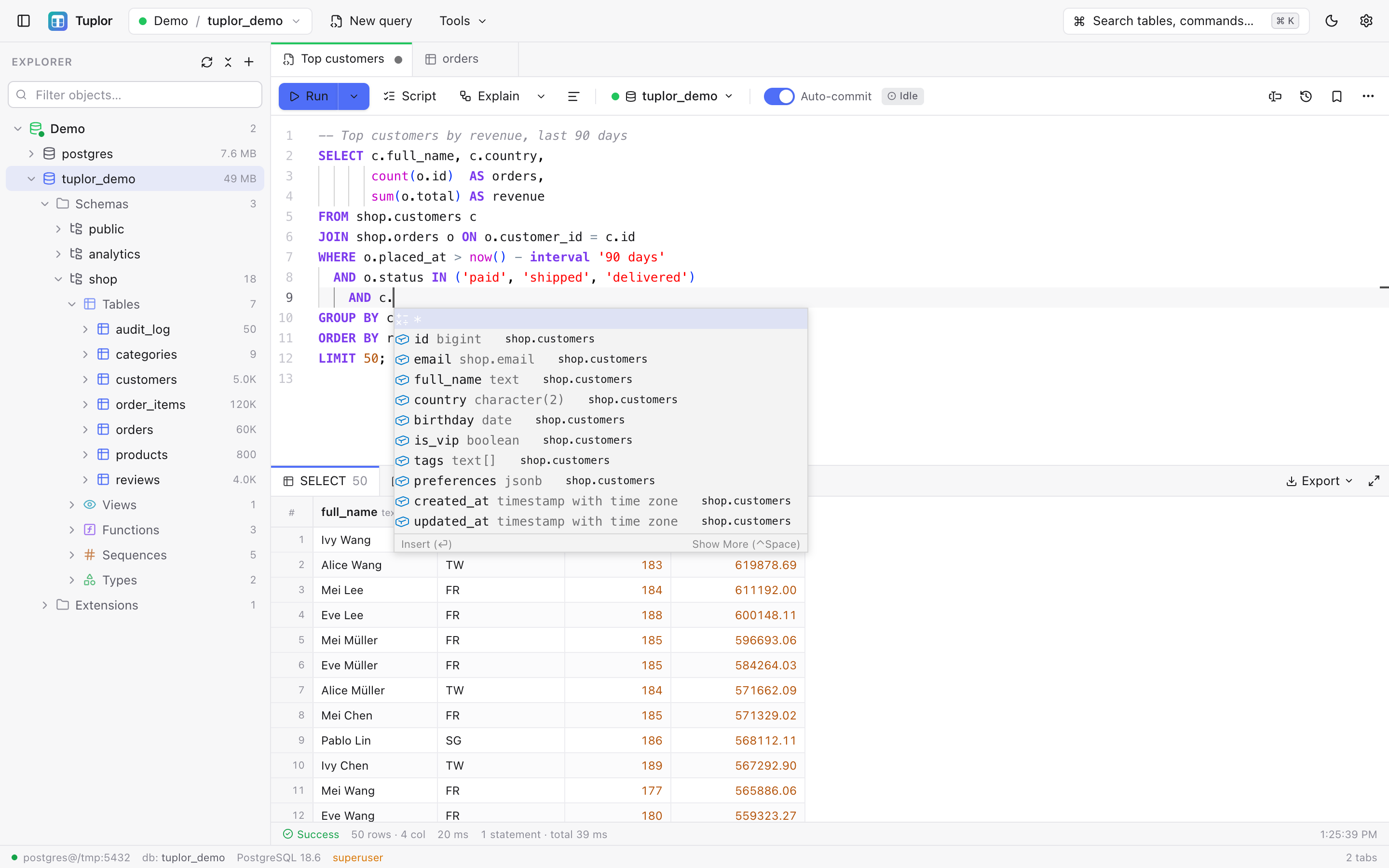
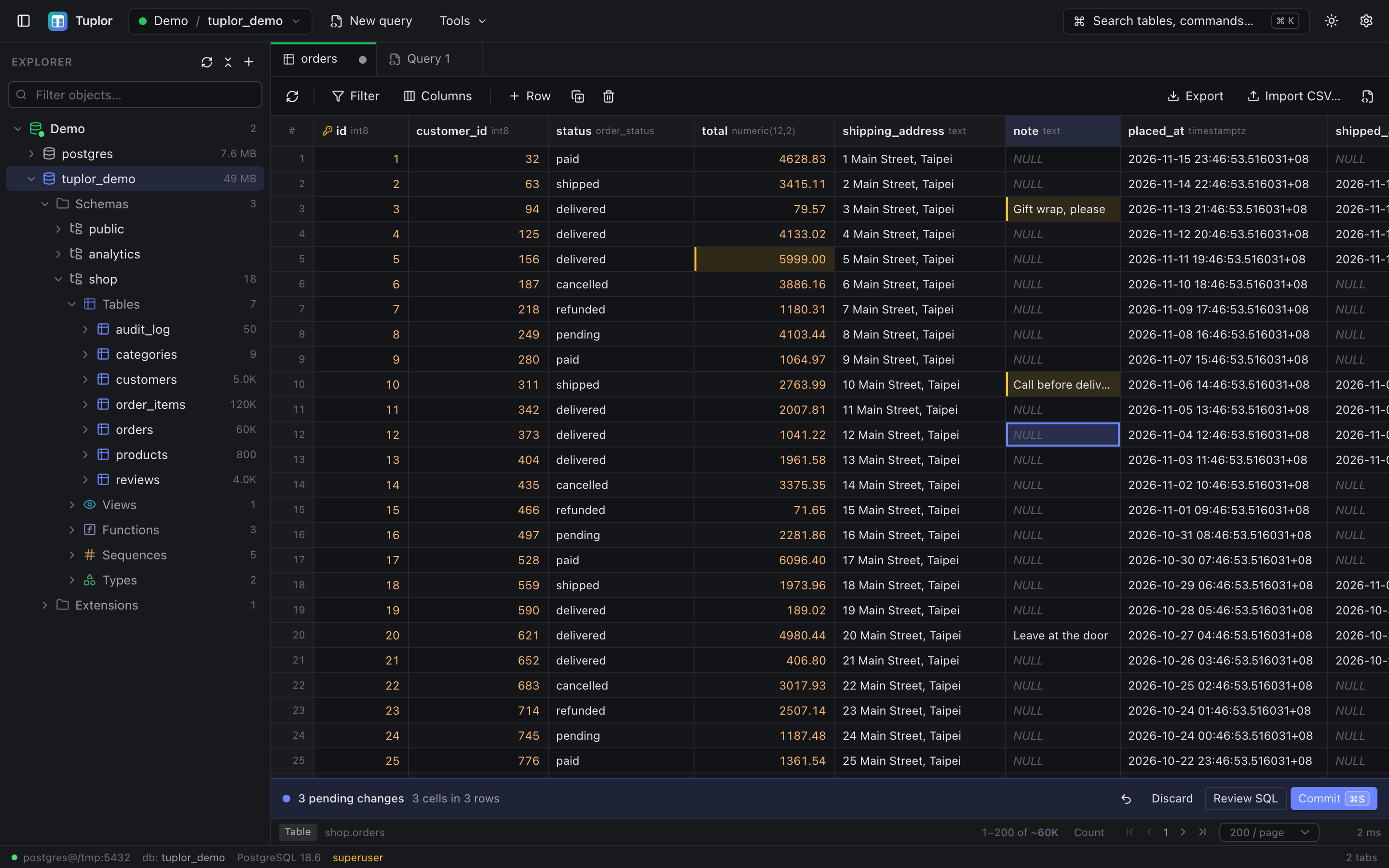
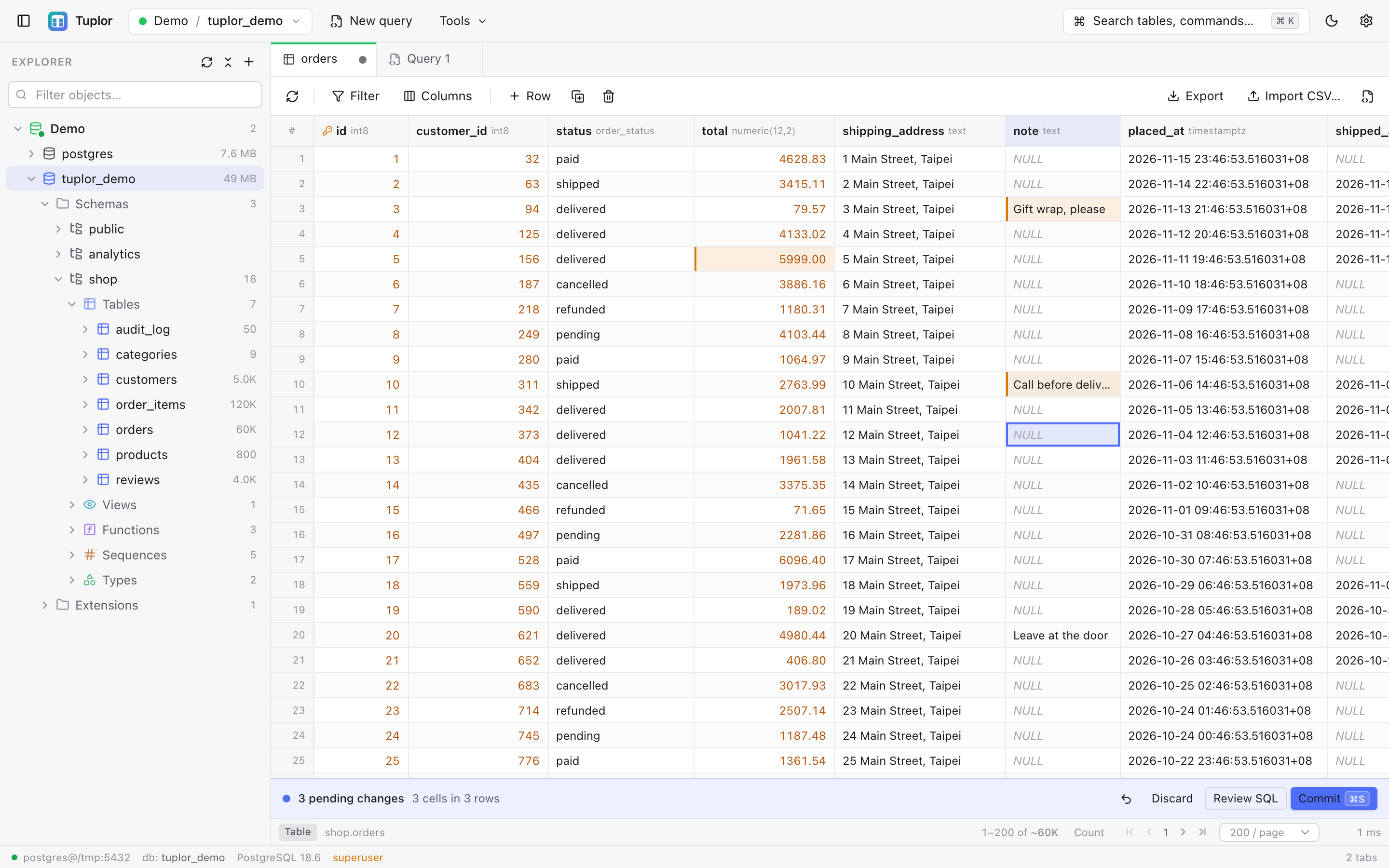
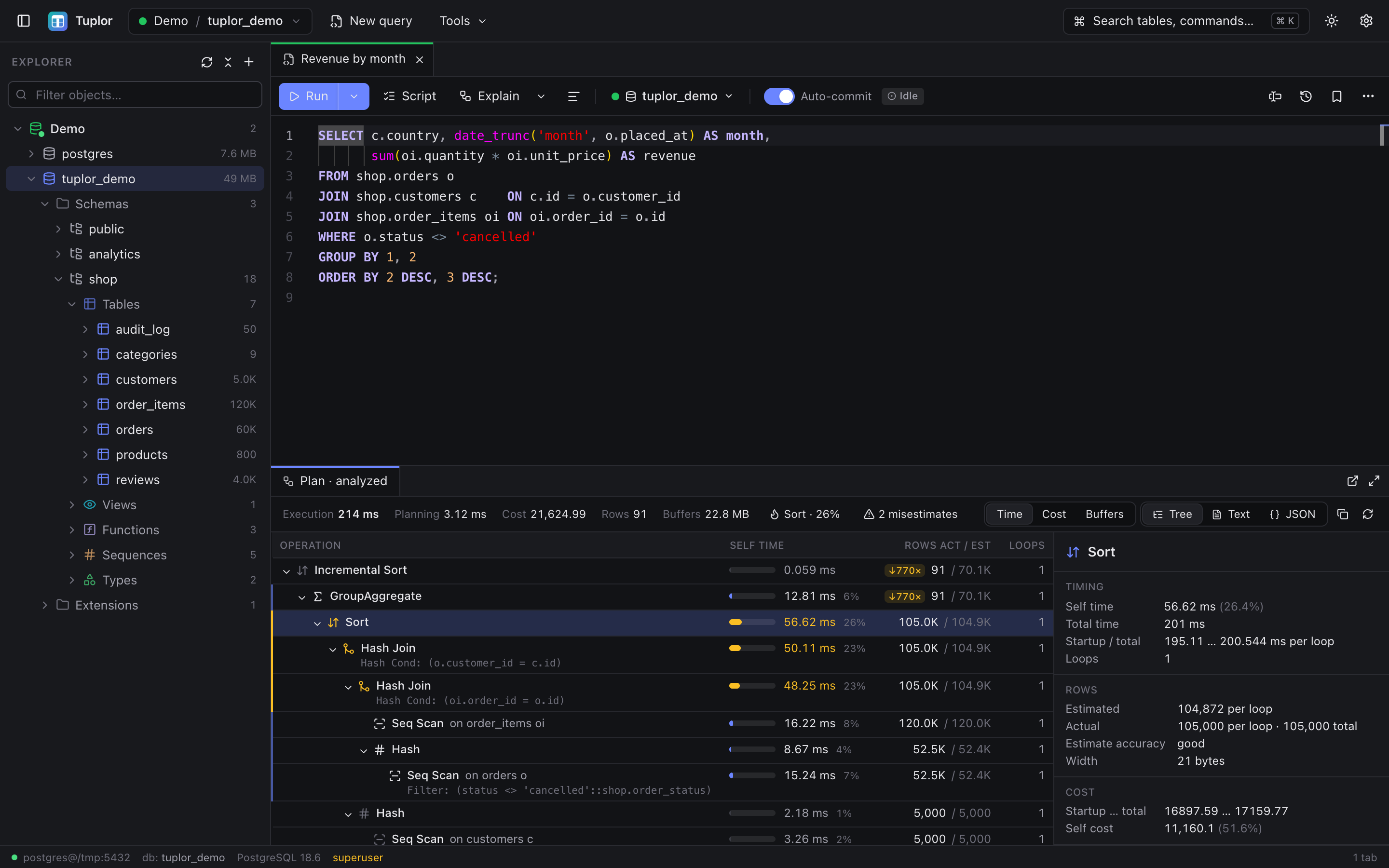
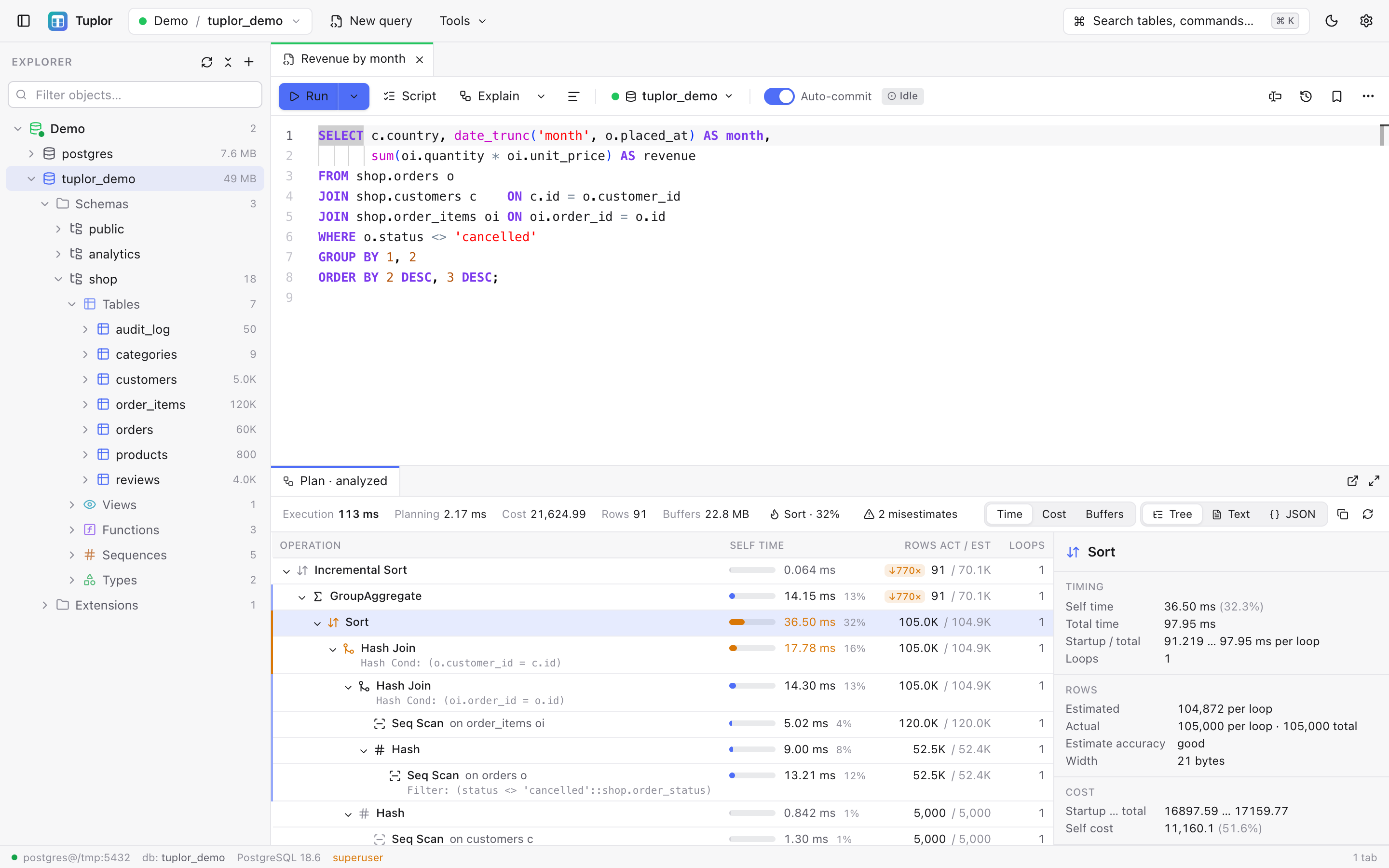
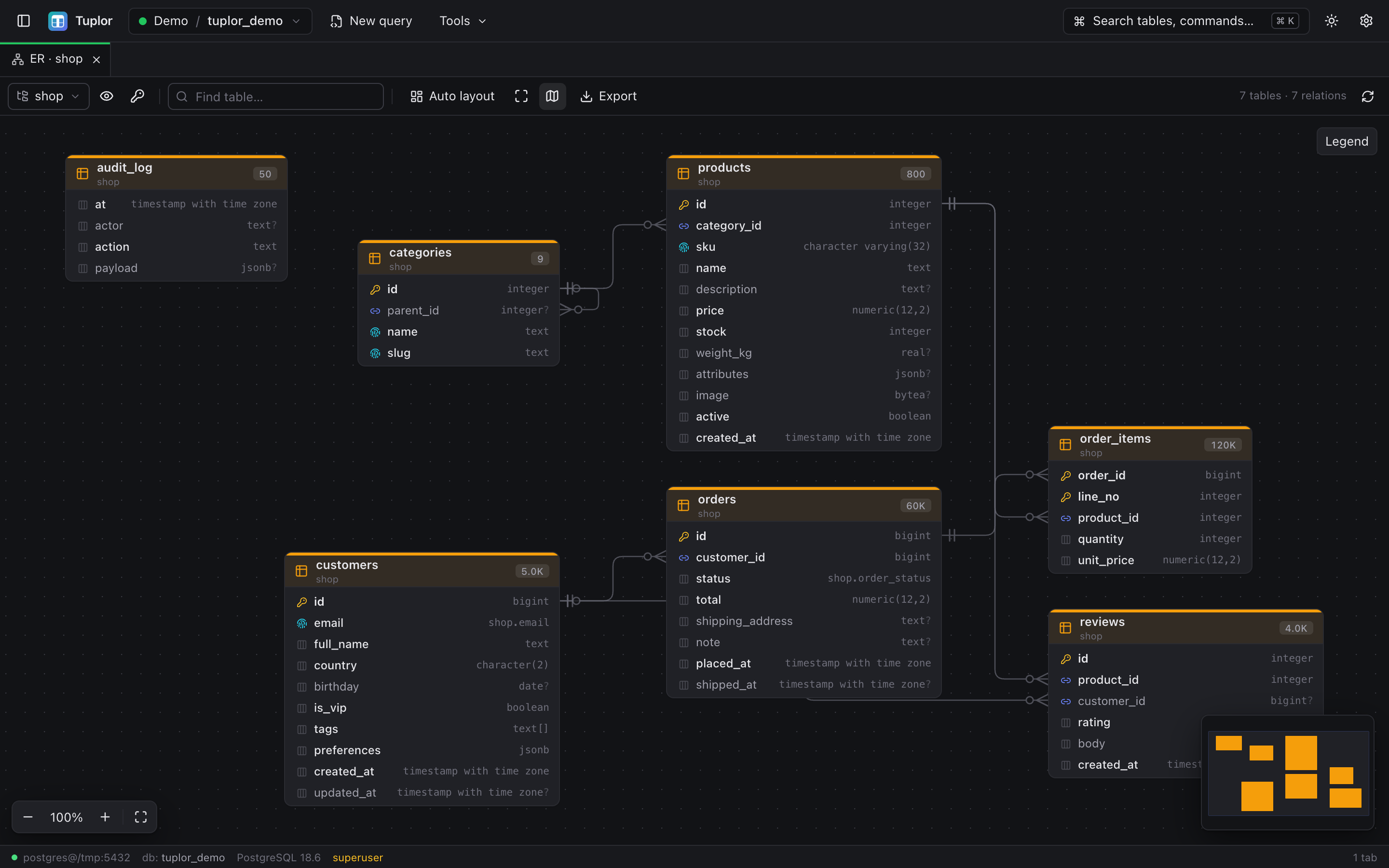
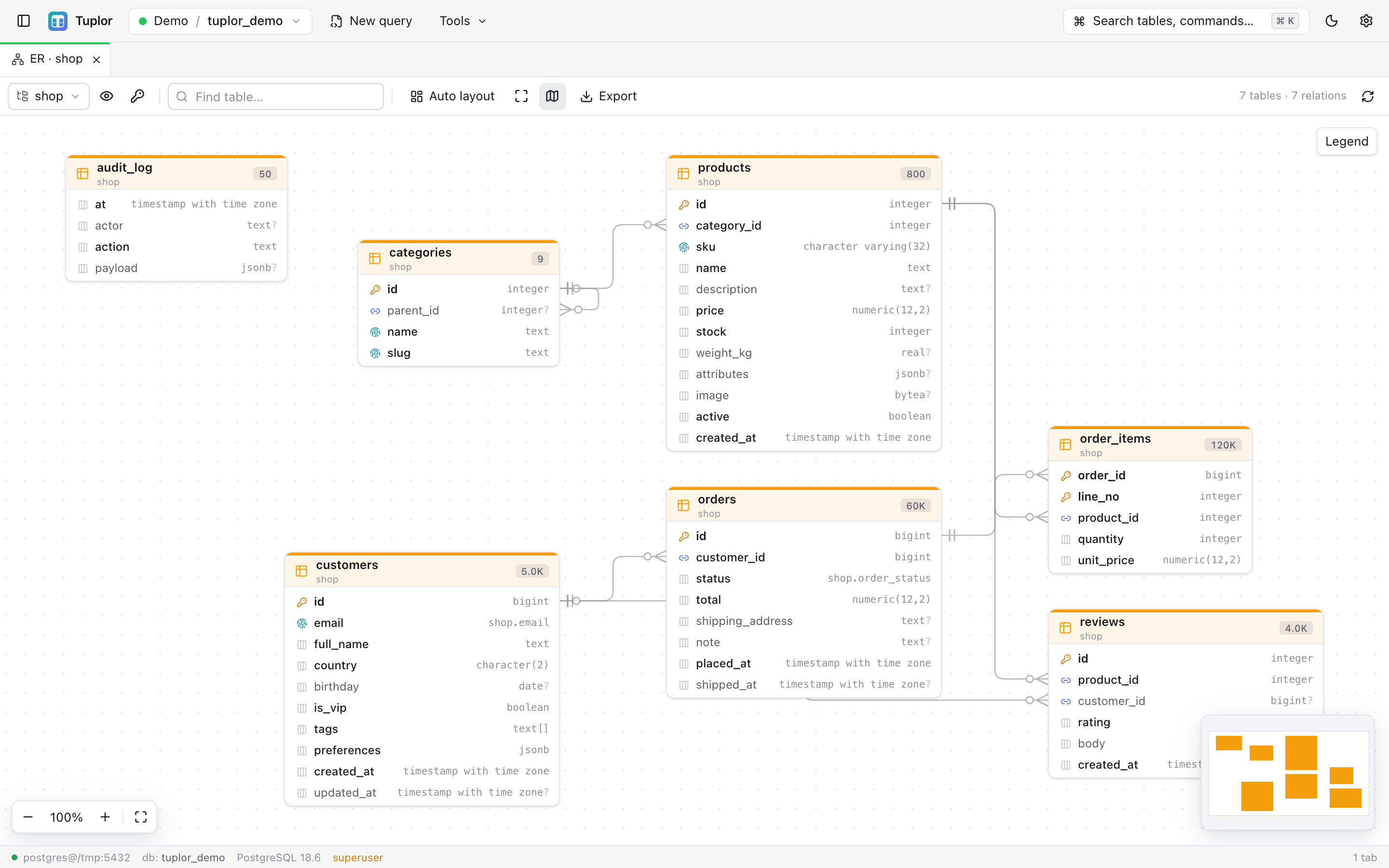
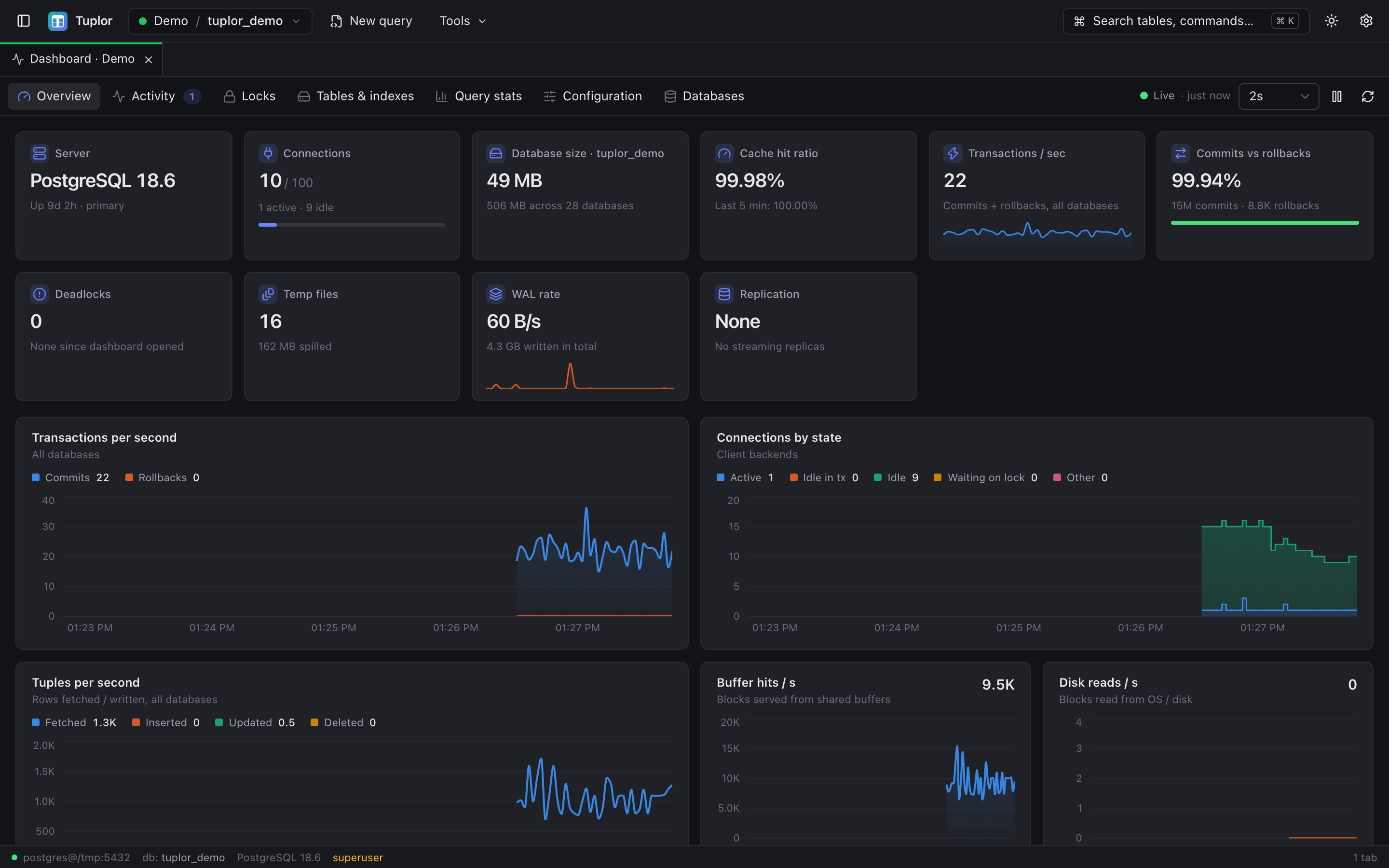
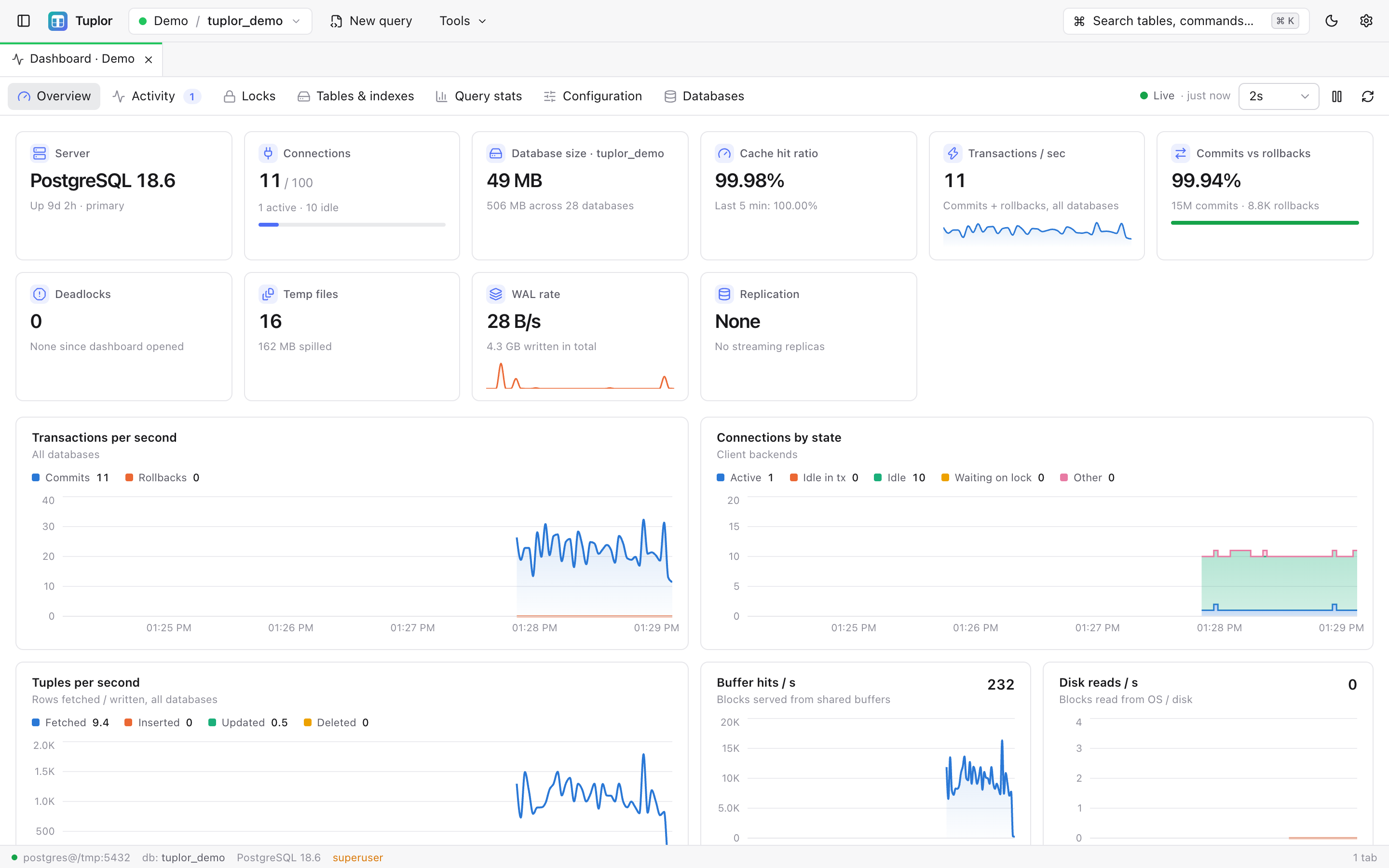
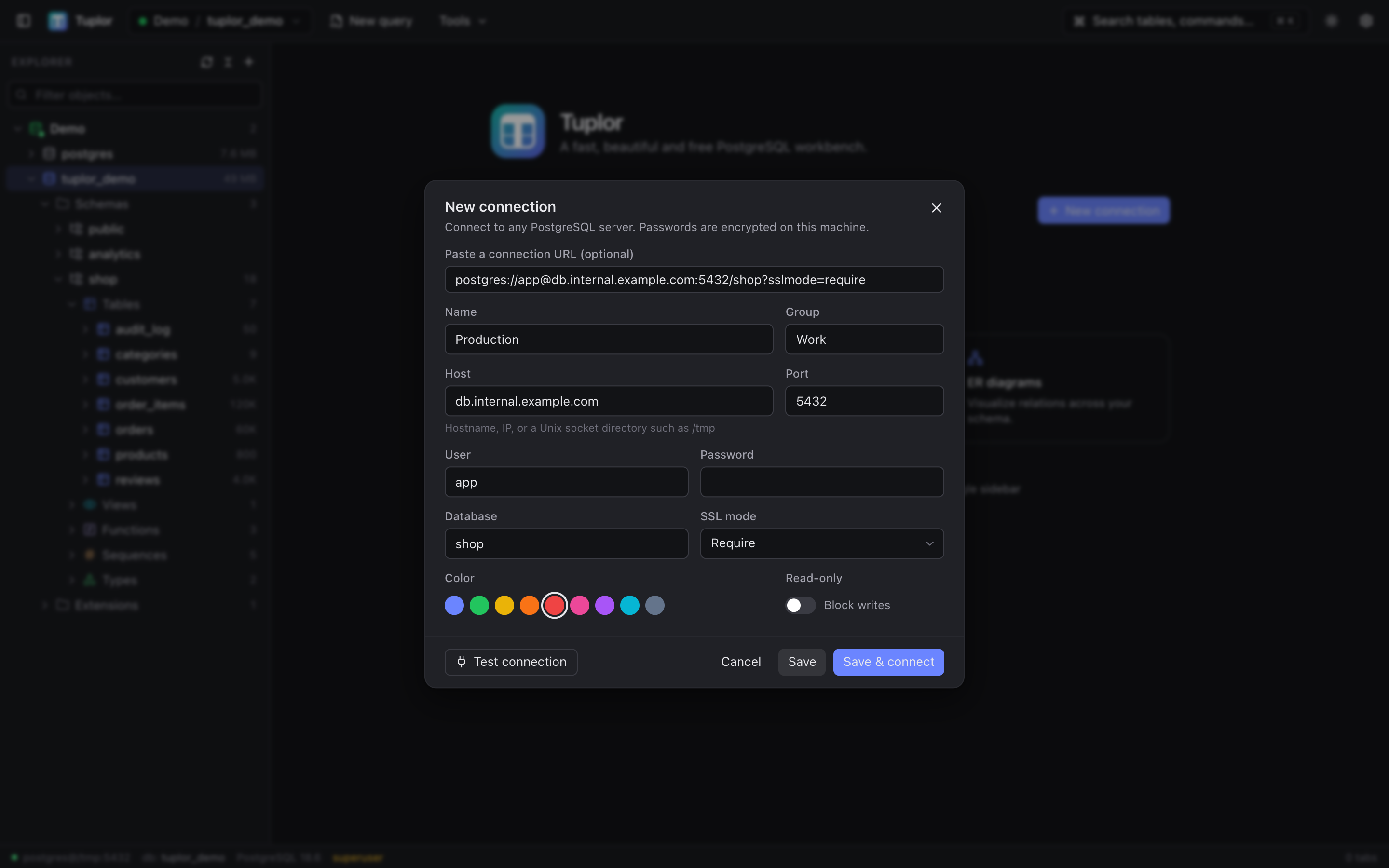
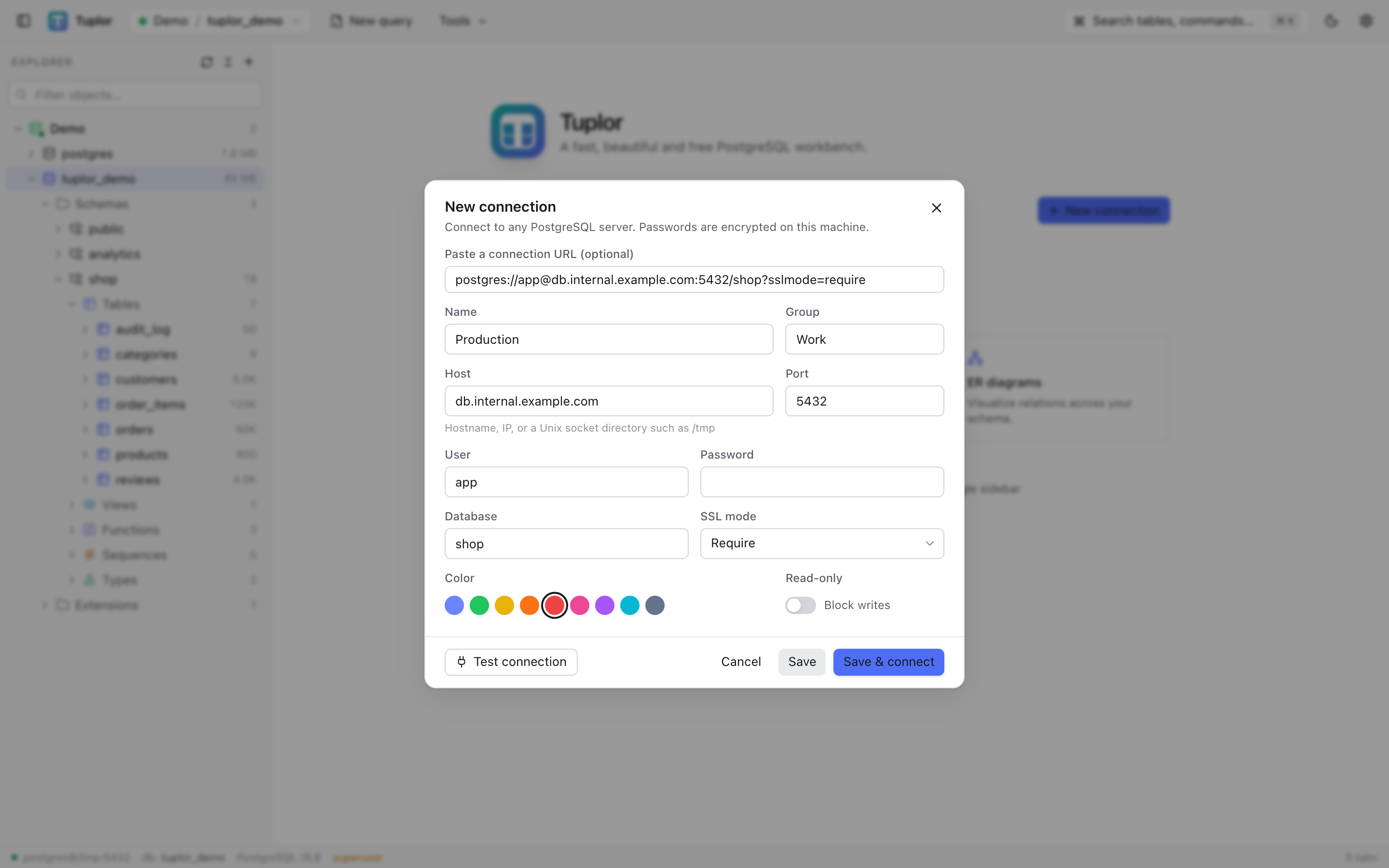
Every image below is the actual app connected to a demo database with 60,000 orders.
Everything you reach for, every day
Built from scratch as a complete PostgreSQL workbench — not a thin query window.
Connection manager
Paste a postgres:// URL to fill the form, test before saving, SSL modes, color tags, groups and read-only connections.
Object explorer
Databases, schemas, tables, views, functions, sequences and types, with columns, indexes, constraints, triggers and partitions. Instant search and a context menu on every object.
SQL editor
Schema-aware autocomplete, run the statement at the cursor, a selection or the whole script, multiple result tabs, transactions with Commit / Rollback, history and snippets.
Visual EXPLAIN
EXPLAIN and EXPLAIN ANALYZE as an interactive tree with heat bars and misestimate warnings. ANALYZE on data-changing statements is rolled back automatically.
Editable data grid
Virtual scrolling that stays smooth at 100k rows × 200 columns, filters or raw WHERE, multi-column sort, JSON / text / image viewers, export to CSV, TSV, JSON, SQL and Markdown.
CSV import
Detects delimiter and encoding (including Big5, GBK and Shift_JIS), maps columns, previews, and imports in a single transaction that points at the exact failing row.
Table structure
Columns with null % and distinct stats, indexes, constraints, incoming and outgoing foreign keys, triggers, storage, privileges and full DDL. Edit, preview the SQL, apply.
Table designer
Create tables in a column grid with type suggestions (enums and domains included), primary keys, unique, identity and foreign keys, with a live SQL preview.
Server dashboard
Live KPIs and charts, sessions with cancel / terminate, a lock and blocking tree, bloat estimates, unused and duplicate indexes, pg_stat_statements and settings.
Roles & privileges
Create and edit roles and memberships, see privileges per object, GRANT / REVOKE. Passwords are hashed to SCRAM locally and never sent in plain text.
ER diagrams
Automatic layout, foreign keys connected to the right columns, hover to highlight relations, search, minimap, remembered positions, PNG / SVG export.
Backup & restore
Finds pg_dump, pg_restore and psql and checks their versions. Custom, SQL, directory and tar formats, pick schemas or tables, live log, progress and cancel.
Keyboard-first
Everything important is one shortcut away, and ⌘K finds the rest — tables, commands and connections.
- ⌘KCommand palette
- ⌘↵Run current statement
- ⇧⌘↵Run whole script
- ⌘EExplain
- ⇧⌘EExplain Analyze
- ⌘.Cancel running query
- ⇧⌥FFormat SQL
- ⌘SCommit grid edits / save .sql
- ⌘TNew query
- ⌘BToggle sidebar
Runs locally. Your data never leaves your machine.
Tuplor talks straight from your Mac to your database. There is no cloud service in between, no account to create and no telemetry. The only other request it makes is a once-a-day check of GitHub Releases for a newer version.
- Local onlyThe app’s engine runs on your computer and only listens on 127.0.0.1.
- Encrypted secretsSaved passwords are encrypted with AES-256-GCM in ~/.tuplor.
- Safe by defaultDangerous statements need confirmation, and connections can be marked read-only.
- Open sourceEvery line is on GitHub under the MIT license. Read it, build it, fork it.
Install in under a minute
- 1
Download
Get the latest .dmg for Apple Silicon (M1 or newer) from GitHub Releases.
Tuplor-mac-arm64.dmg - 2
Drag to Applications
Open the .dmg and drag Tuplor into your Applications folder.
- 3
Launch
Open Tuplor from Applications or Spotlight. Releases are signed and notarized by Apple, so a normal double-click works.
Only builds that are not notarized (for example ones you built yourself) trigger this. Open System Settings → Privacy & Security, scroll down and click “Open Anyway”.
Intel Mac, Windows or Linux?
Native builds for other platforms are coming later. Until then you can run Tuplor from source — it opens in your browser:
Needs Node.js and npm. The app then runs at http://localhost:5555.
All releasesgit clone https://github.com/c2w570063013/tuplor.git
cd tuplor
npm install
npm run appFrequently asked questions
Which PostgreSQL versions are supported?
PostgreSQL 12 through 18. It connects over TCP or a Unix socket (e.g. host /tmp for a local Homebrew server).
Where is my data stored?
Saved connections and settings live in ~/.tuplor on your Mac, with passwords encrypted (AES-256-GCM). Set the TUPLOR_HOME environment variable to use a different folder. Your connections and query data are never sent anywhere; the only outside request is a daily update check against GitHub Releases.
Is it really free?
Yes. Tuplor is open source under the MIT license. No paid tier, no account, no trial.
Does it run on Intel Macs, Windows or Linux?
The downloadable app is Apple Silicon only for now; other platforms are coming later. Meanwhile you can run it from source on any platform with Node.js and use it in your browser.
How do I report a bug or request a feature?
Open an issue on GitHub Issues. Please include the app version, your PostgreSQL version and the steps to reproduce.
How do I build it from source?
Clone the repository, run npm install, then npm run app to start it in your browser, or npm run desktop:build to package the macOS app yourself.
git clone https://github.com/c2w570063013/tuplor.git
cd tuplor
npm install
npm run appDoes it update itself?
Not yet. Watch the GitHub repository for releases and download the new .dmg when one comes out.
Any known limitations?
Tables without a primary key (or a non-null unique index) can only get new rows, not edits or deletes. The table designer supports single-column foreign keys (add multi-column ones in Table structure). The backup job list is cleared when the app restarts (the backup files stay). With an input method (e.g. Chinese), press Enter or double-click a cell before typing.